Javascript: prompt, confirm, alert
Getting user input without an HTML form element is a breeze... right?

Getting input with JavaScript
I still remember the first time I got interactive input with JavaScript (JS). I had been coding in the console for weeks, playing with simple scalar values like string and boolean when I got my first real programming challenge from the amazing book Exercises for Programmers (EFP).
Prompting for input
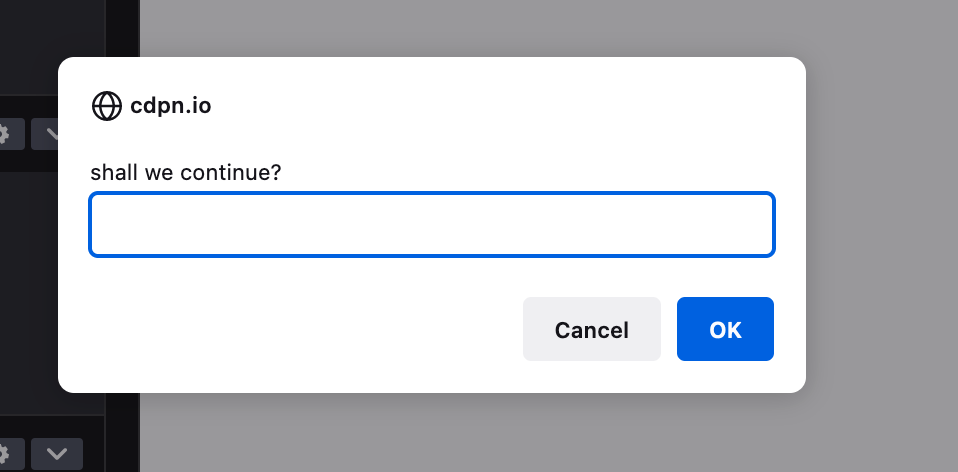
The challenge was to build a tip calulator that prompts for a tip amount and bill rate. Not knowing how to programtically prompt for something using JS, I googled prompt for input JS. And Google led me to the MDN doc for the prompt() function. After writing a bunch of pseudocode, I used it to get the two pieces of information I needed.
I quickly realized this function accepted a string as an argument, showed it to the user with a text box, and returned either a string (if the user pressed ok) or null if they pressed cancel.
Confirming input
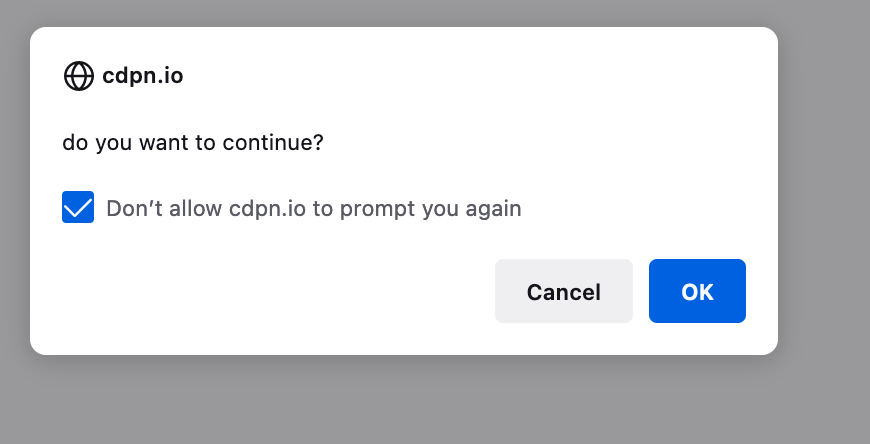
I decided to see what other functions existed like this in JS. Going through MDN (Mozilla Developer Network) I found the confirm() function. This function also takes a string as a parameter, but doesn’t include a text box. Instead, it allows the user to respond by clicking ok or cancel. confirm() returns true and false, respectively.
Alerting input
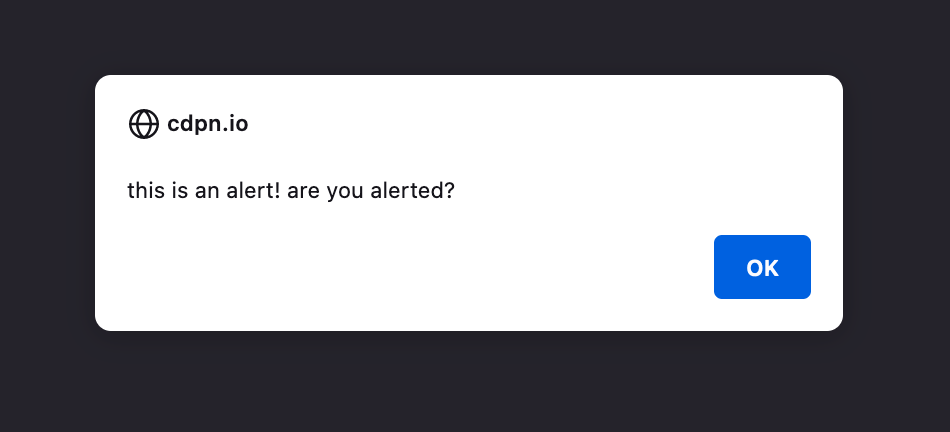
The last function might be the easiest, albeit the most limited. I haven’t found much real-world use for alert() outside of EFP, to alert users when they enter a wrong value for prompt() or confirm(). alert() takes a string representing the alert to show the user. It returns undefined.
The window object
On MDN (Mozilla Developer Network), you may sometimes see the prompt(), alert(), and confirm() functions written with window and a period, such as window.prompt().
This notation is used because these functions are actually methods (functions within an object) that belong to the global Window object in JavaScript. The Window object represents a window containing a DOM (Document Object Model) document. The browser window or tab, and each instance of the Window object is unique to a specific browsing context. But they all share these functions in common.
Final notes: style and behavior
The style and behavior of prompt(), confirm(), and alert() functions can vary slightly between different browsers due to differences in their default implementation and user interface. Here are some areas that are affected
Styling: Browsers have their own default styles for these dialogs, so the fonts, colors, and layout may vary.
Button labels: The labels on the buttons within the dialogs, such as “OK” “Cancel,” or “Yes/No,” may vary depending on the browser or the user’s operating system.
Button placement: The order of the buttons may differ. For example, some browsers may display the confirmation buttons in the order “OK/Cancel,” while others may use “Cancel/OK.”
Blocking Behavior: The blocking behavior of these dialogs may also differ between browsers. In some browsers, the
prompt(),confirm(), andalert()functions can block the execution of JavaScript code until the dialog is closed, while in others, they may be non-blocking, allowing the code to continue running.Customizability: Browsers may provide limited or no customization options for these dialogs. You usually cannot change the appearance or behavior of these dialogs beyond the default styles and functionality provided by the browser.
If you require more control over the appearance and behavior of dialogs, you may need to consider using custom modal dialog libraries or frameworks that provide greater flexibility and consistency across different browsers.